USB Button Switch Ambient Lighting
image
image
image
image
image
image
image
image
image
image
image
image
image
USB Button Switch Ambient Lighting
image
image
image
image
image
image
image
image
image
image
image
image
image

USB Button Switch Ambient Lighting

Regulärer Preis
$18.00 AUD
Einzelpreis
pro
Emitting Color: Cold White
Color: 5M
5M
Personen sehen sich dies gerade an
KAUFEN AUF
image

USB Button Switch Ambient Lighting

Regulärer Preis
$18.00 AUD
Einzelpreis
pro
Cold White
5M
Produktbeschreibung Versand & Rücksendung
+

SPECIFICATIONS

USB LED Strip Light for Desktop Computer Chassis Host Gaming Setup Gamer Desktop Atmosphere Decor
LED Type: 2835 SMD
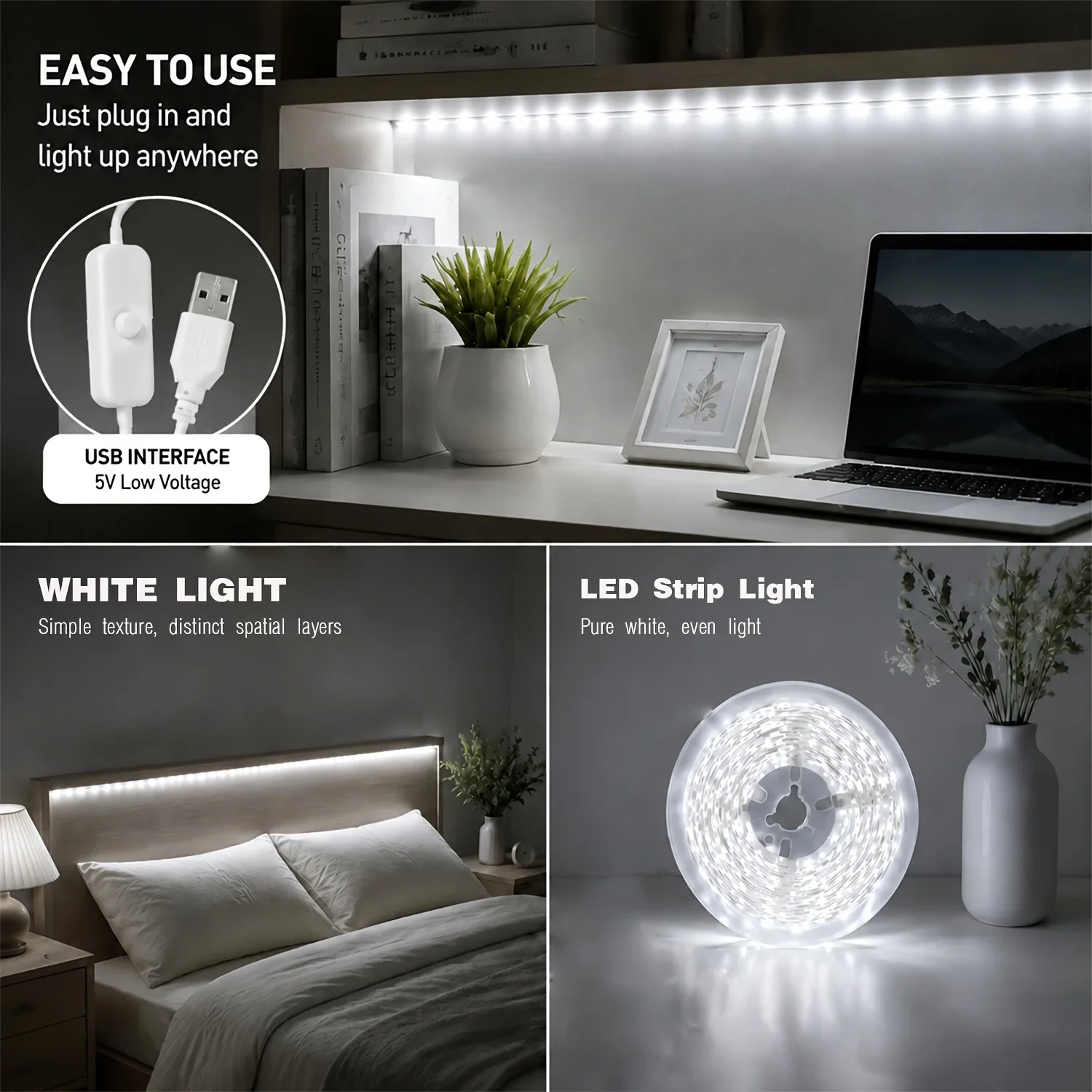
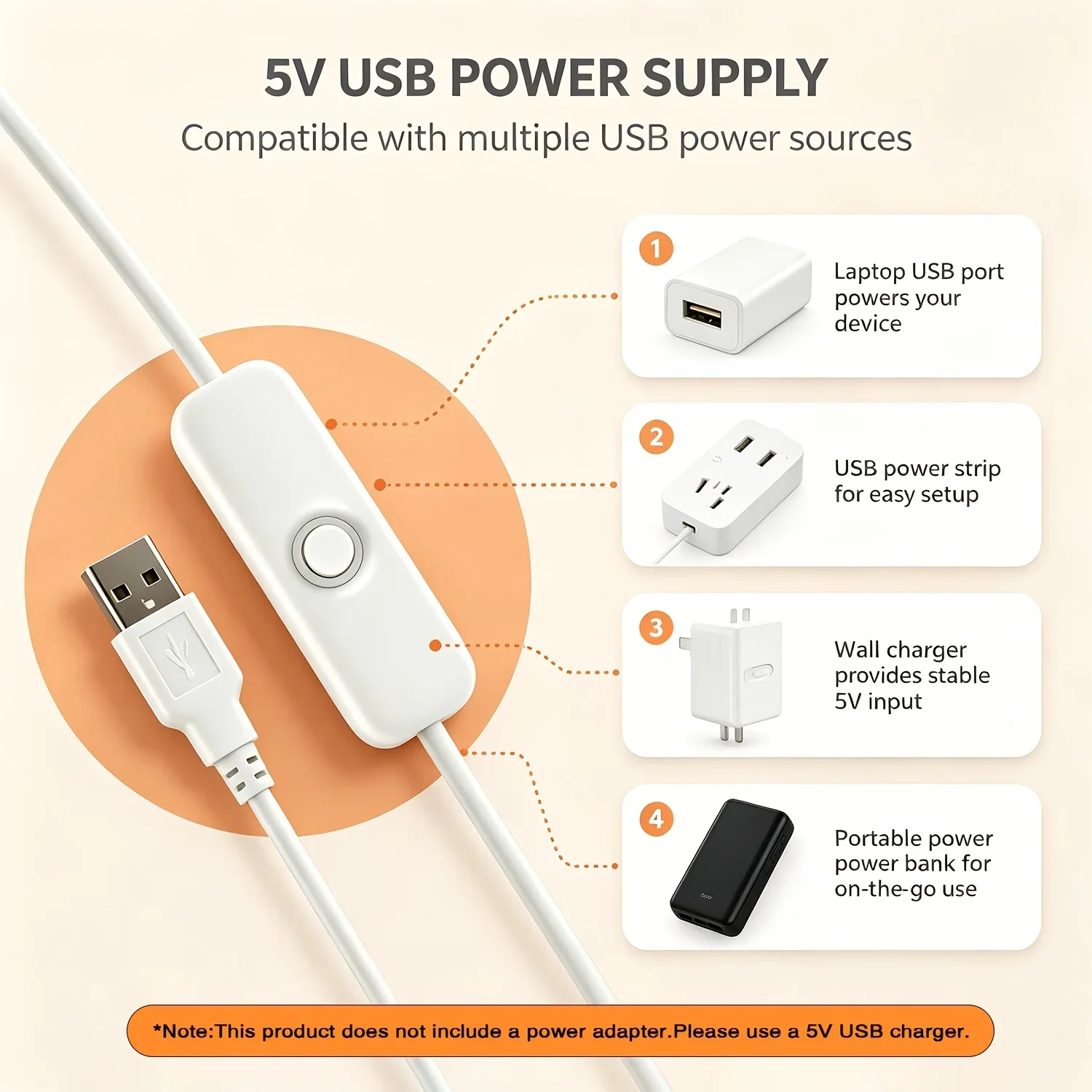
Power Supply: DC 5V USB
Switch Type: In-line Button Switch
Switch Cable Length: 0.5m / 19.69in
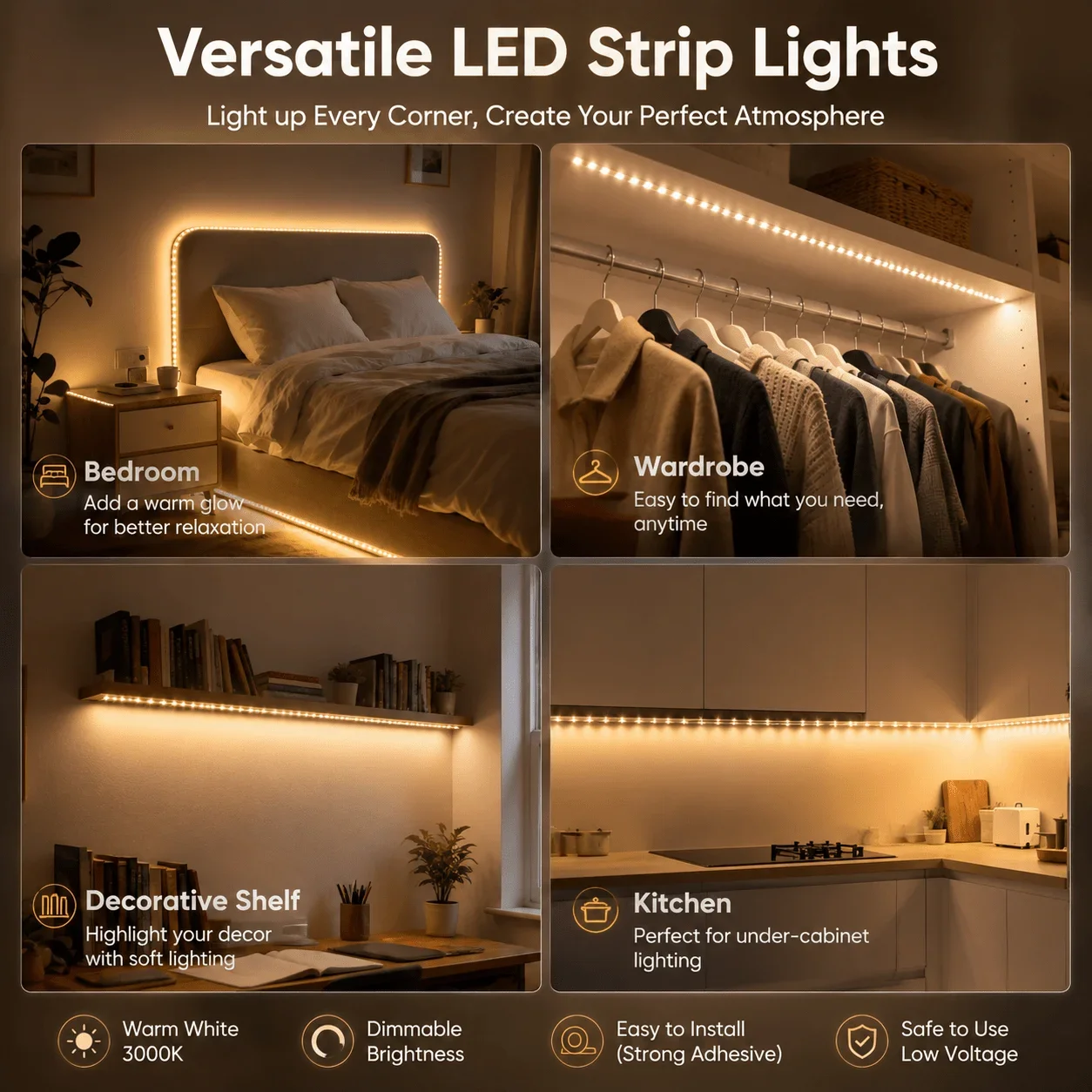
Light Color: Warm White / White 
Length Options: 1m / 2m / 3m / 4m / 5m
|Installation: Self-Adhesive Backing
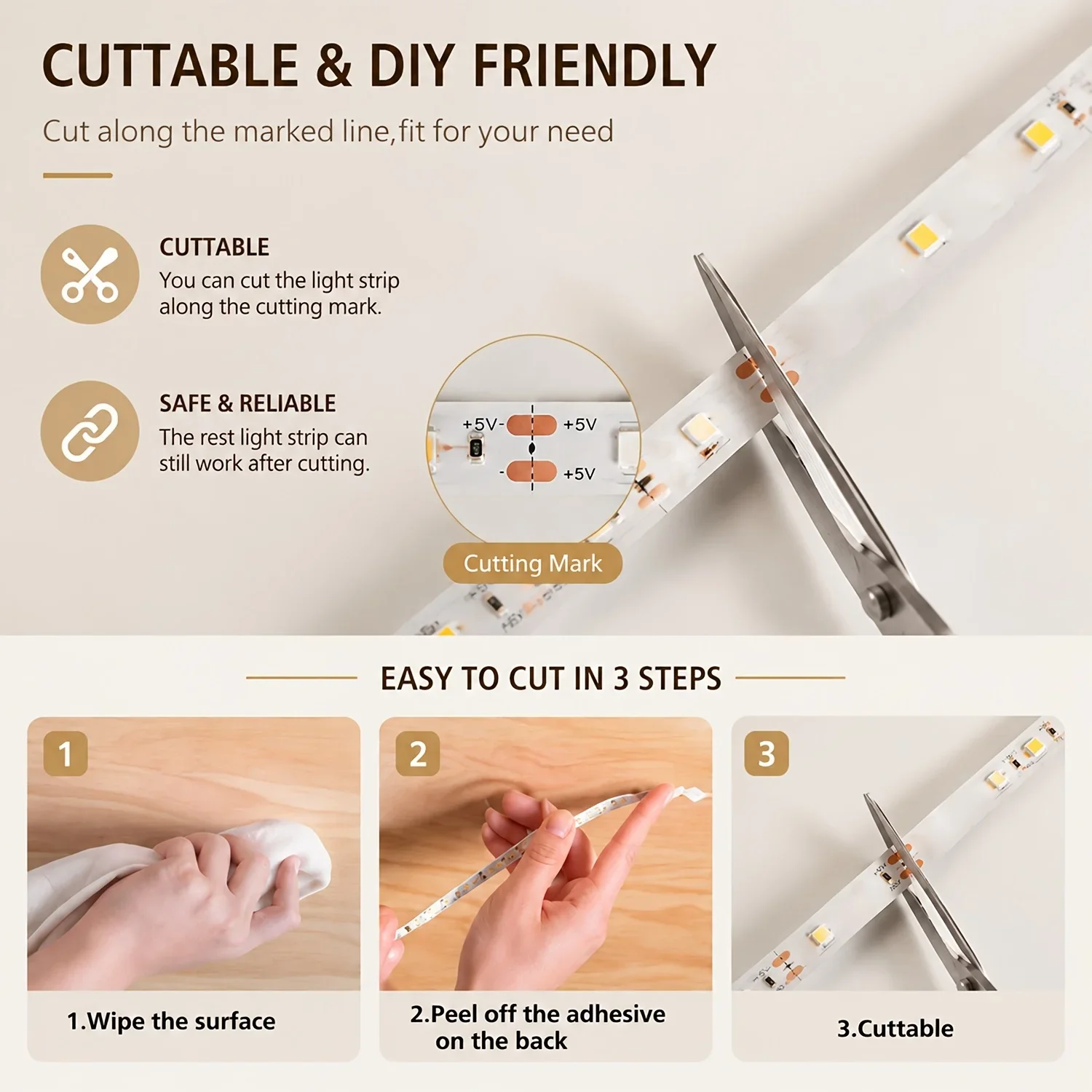
Cutting Feature: Cuttable every 3 LEDs
Operating Temperature: -10℃ ~ 45℃


Installation Steps
1. **Clean the surface**: Wipe the installation surface with a clean cloth to ensure it is dry, dust-free and oil-free, so as to ensure the best adhesion effect.
2. **Trim to length**: Cut the strip to the required length along the cutting mark with scissors.
3. **Peel off the backing**: Peel off the protective paper of the self-adhesive backing on the back of the strip.
4. **Press and fix**: Align the strip to the installation position, press and smooth it firmly to make it fully fit the surface.
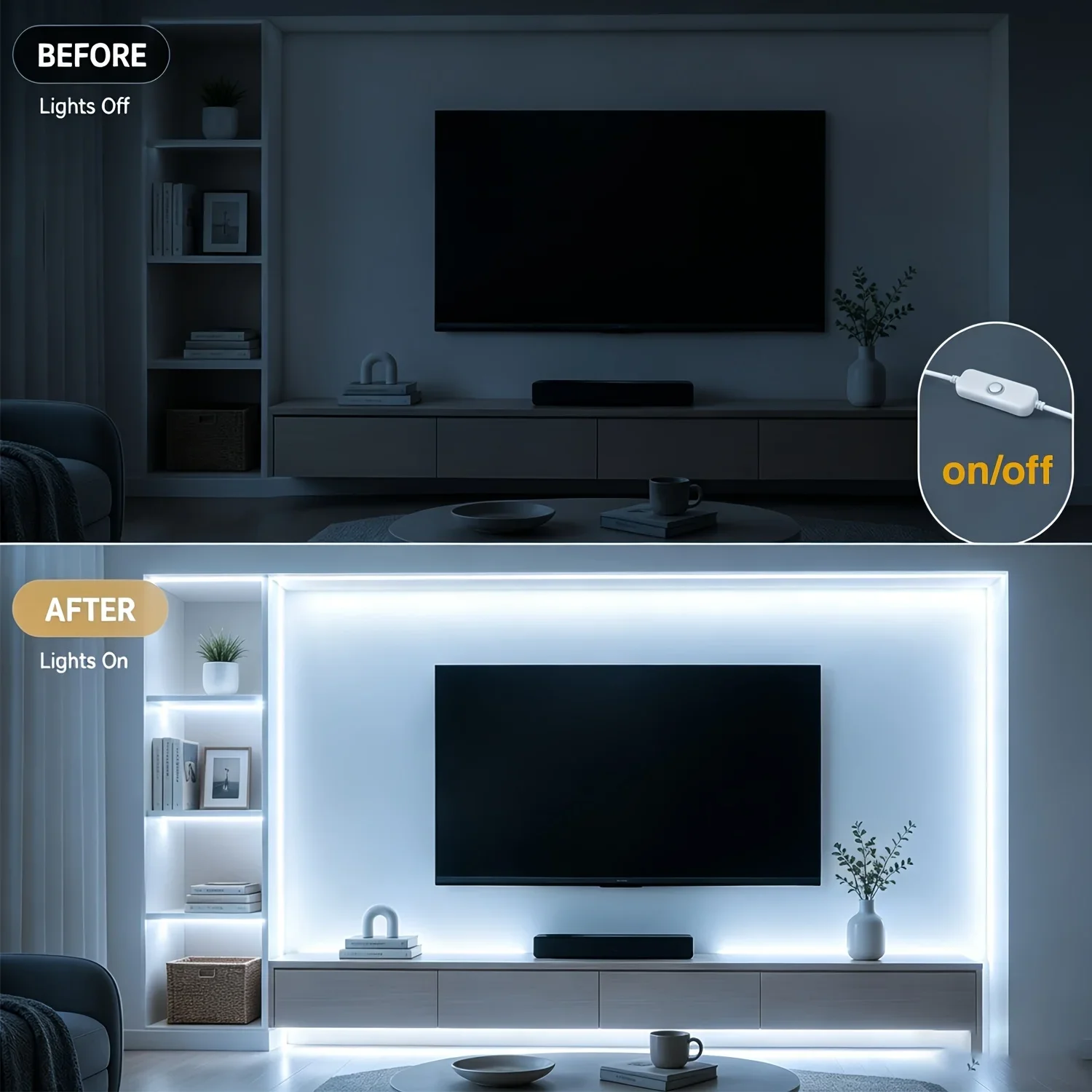
5. **Power on and use**: Plug the USB into the power supply, and press the button switch to turn on the light.
Das könnte Ihnen auch gefallen